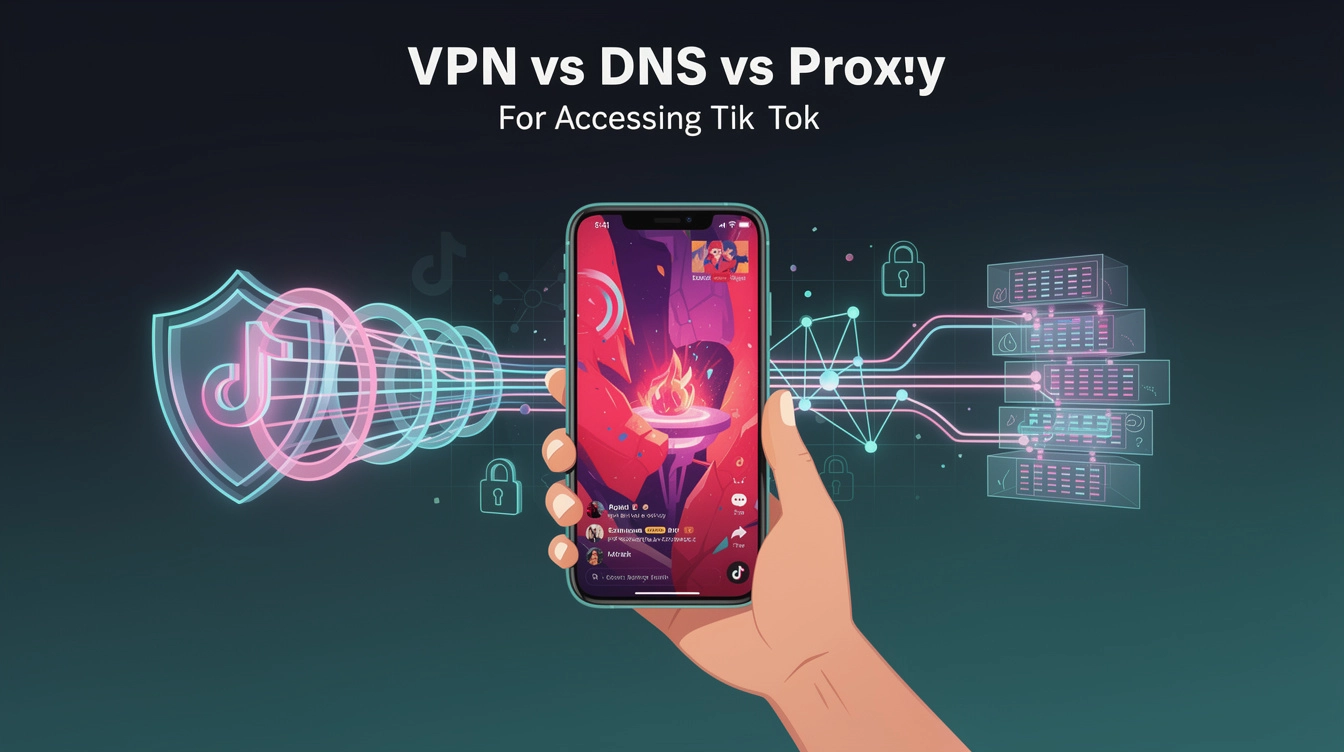
If you're trying to reach US audiences on TikTok from outside the States, you've probably come across three main options: VPNs, DNS changers, and proxies. Each one claims to give you a US presence, but they work very differently — and most of them won't actually change which audiences see your content.
Let's break down each method from a creator's perspective.
DNS Changers: Simple but Useless for Creators
DNS (Domain Name System) translates website names into server addresses. Some DNS services claim they can make your traffic appear to come from a different location.
How it works: You change your device's DNS settings to use a third-party DNS server.
Pros:
- Free or very cheap
- No app to install (just change a setting)
- Doesn't slow down your connection
Cons:
- Doesn't change your IP address — TikTok can still see your real location
- TikTok's algorithm uses your IP for geo-targeting, not DNS
- Changing DNS has zero effect on which audiences see your content
Verdict: DNS changes don't affect how TikTok distributes your content at all. Your IP address stays the same, so TikTok still geo-targets you to your local audience. This method is irrelevant for creators trying to reach US viewers.
Proxies: Changes Your IP, But Not Where It Counts
A proxy server acts as a middleman. Your request goes to the proxy, the proxy forwards it to TikTok, and the response comes back through the proxy.
How it works: You configure your browser or device to route traffic through a proxy server with a US IP address.
Pros:
- Can change your apparent IP address
- Some are fast for basic browsing
- Many free options available
Cons:
- Most proxies only work for browser traffic — TikTok's mobile app (where creators post) won't route through a browser proxy
- Shared proxy IPs get blacklisted quickly by TikTok, just like shared VPN IPs
- Unreliable connections — proxies go down frequently, which is a problem when you're uploading content or going live
- Free proxies are notorious for being slow and unstable
Verdict: Proxies can technically change your IP, but they don't work with the TikTok mobile app, which is where most creators post and manage their accounts. Browser-only solutions miss the point entirely.
Break out of your local algorithm
Get a dedicated US IP that TikTok and Instagram actually trust. Setup takes 60 seconds.
See Plans from $5/moVPNs: The Only Method That Actually Works for Creators
A VPN routes all your internet traffic through a server in your chosen location. Unlike DNS or proxies, it changes your IP address across every app on your device — including TikTok.
How it works: You install a VPN app, connect to a US server, and TikTok's algorithm sees you as a US-based creator. VPN To US is built specifically for this use case.
Pros:
- Changes your IP across all apps — TikTok, Instagram, YouTube, everything
- Works with the TikTok mobile app, not just browsers
- TikTok's algorithm distributes your content to US audiences
- Dedicated IPs avoid the blacklisting problem that plagues shared VPNs and proxies
- Reliable enough for going live and uploading content
Cons:
- Costs money (though VPN To US starts at $5/month)
- Not all VPNs are equal — consumer VPNs with shared IPs still get detected by TikTok
The Critical Difference: Shared vs. Dedicated IPs
This is where the real distinction lies for creators.
Any solution that shares an IP address among thousands of users will eventually get flagged. TikTok maintains databases of known VPN and proxy IP addresses. When 50,000 people use the same IP, it's obviously not a regular creator — it's a VPN. TikTok may not give you authentic US audience distribution from a flagged IP, even if it technically shows as a US address.
Services like VPN To US limit each server to a maximum of 100 users, keeping the IPs clean and unflagged. TikTok has no reason to treat these IPs differently from any regular US connection, so the algorithm distributes your content to American audiences.
Side-by-Side Comparison for Creators
| Feature | DNS | Proxy | VPN (Dedicated IP) |
|---|---|---|---|
| Changes your IP address | No | Yes | Yes |
| Works with TikTok app | No effect | No (browser only) | Yes |
| US audience targeting | No | Unreliable | Yes |
| Avoids TikTok IP blacklists | N/A | Rarely | Yes (low-density IPs) |
| Reliable for going live | N/A | No | Yes |
| Works across all platforms | No effect | Browser only | TikTok, Instagram, YouTube |
| Setup difficulty | Easy | Moderate | Easy (60 seconds) |
| Monthly cost | Free-$5 | Free-$10 | $5-$15 |
Looking for the simplest way to reach US audiences? VPN To US gives you a dedicated US IP in 60 seconds. See plans
Which Should You Choose?
If you're a content creator targeting US audiences — which is the whole reason you're reading this — a VPN with dedicated US IPs is the only method that actually changes how TikTok distributes your content. DNS changes do nothing for audience targeting. Proxies don't work with the TikTok app. Only a VPN gives you a US IP across all your apps, so TikTok's algorithm treats you as a US-based creator.
VPN To US is purpose-built for exactly this — dedicated US IPs with a maximum of 100 users per server, starting at $5/month. Creators using it typically see 80-95% US audience reach, compared to the 5-15% you get posting from outside the US.