VPN Tips & Creator Guides
How to Target a US Audience on Instagram from Another Country in 2026
International creators struggle to reach US audiences on Instagram because the algorithm reads location signals you may not know you're sending. Here's how to fix that in 2026.
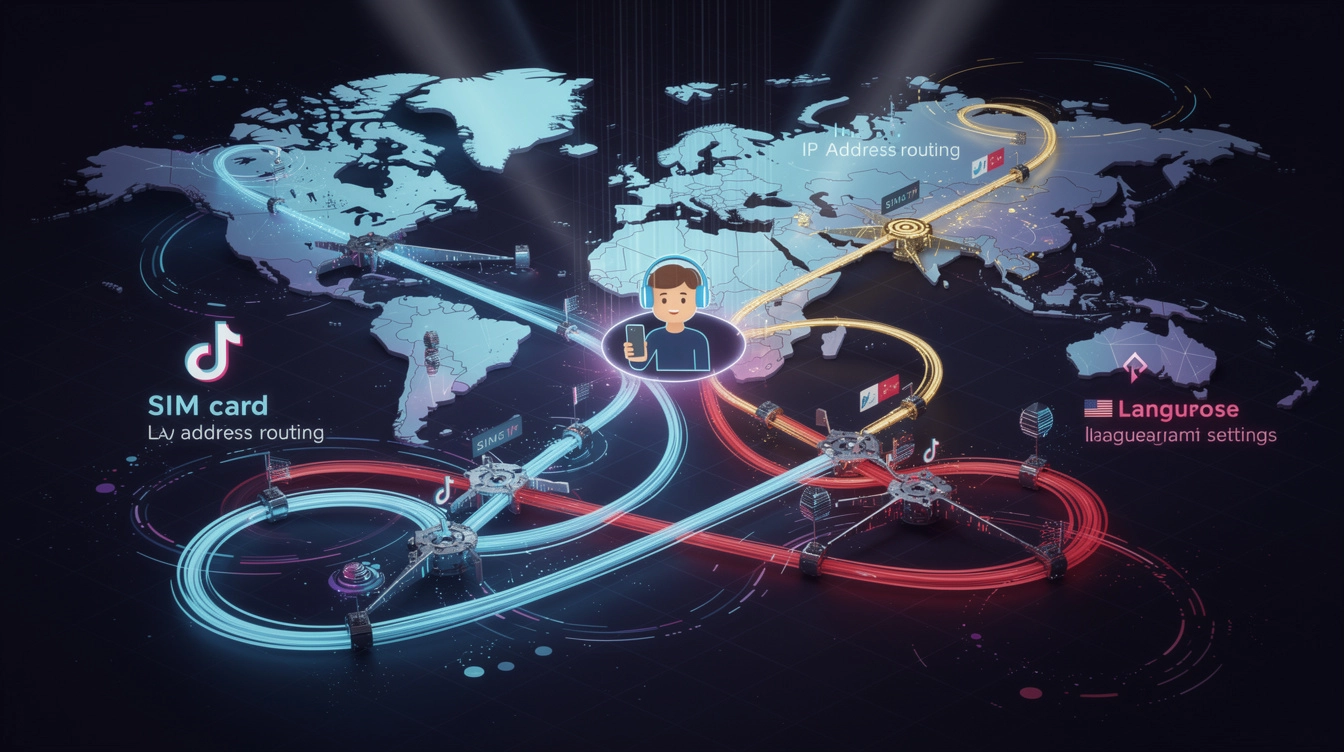
TikTok Region Mismatch: SIM Card, IP, and Language Signals
When your SIM card, IP address, and language settings point to different countries, TikTok gets confused — and your reach suffers. Here is how to fix it.
TikTok Region Detection in 2026: IP, SIM Card, and Language
TikTok uses your IP address, SIM card, and language settings to decide where your content goes. Here is how to align all three for consistent US reach.
How TikTok Determines Your Content Region: SIM, IP, and Language
TikTok uses four signals to assign your content region — and IP address dominates all of them. Here's what international creators need to know.
TikTok Algorithm Changes in 2026: What Creators Need to Know
TikTok's algorithm changed significantly in 2026. Location signals now carry more weight than ever in content distribution. Here's what changed and how to adapt.

Does TikTok Detect VPNs? What Creators Need to Know in 2026
Yes, TikTok detects most VPNs — but not all. The difference comes down to IP type. Here's what creators need to know about VPN detection in 2026.
How to Use a VPN for Social Media Without Getting Flagged
Most VPNs get your social accounts flagged because of shared, high-density IPs. Here's how to set up a VPN the right way for TikTok, Instagram, and YouTube.
How Location Affects Your TikTok For You Page Distribution
TikTok shows your videos to a small local audience first, then expands. If you're posting from Brazil, your first viewers are Brazilian. Here's how to change that.
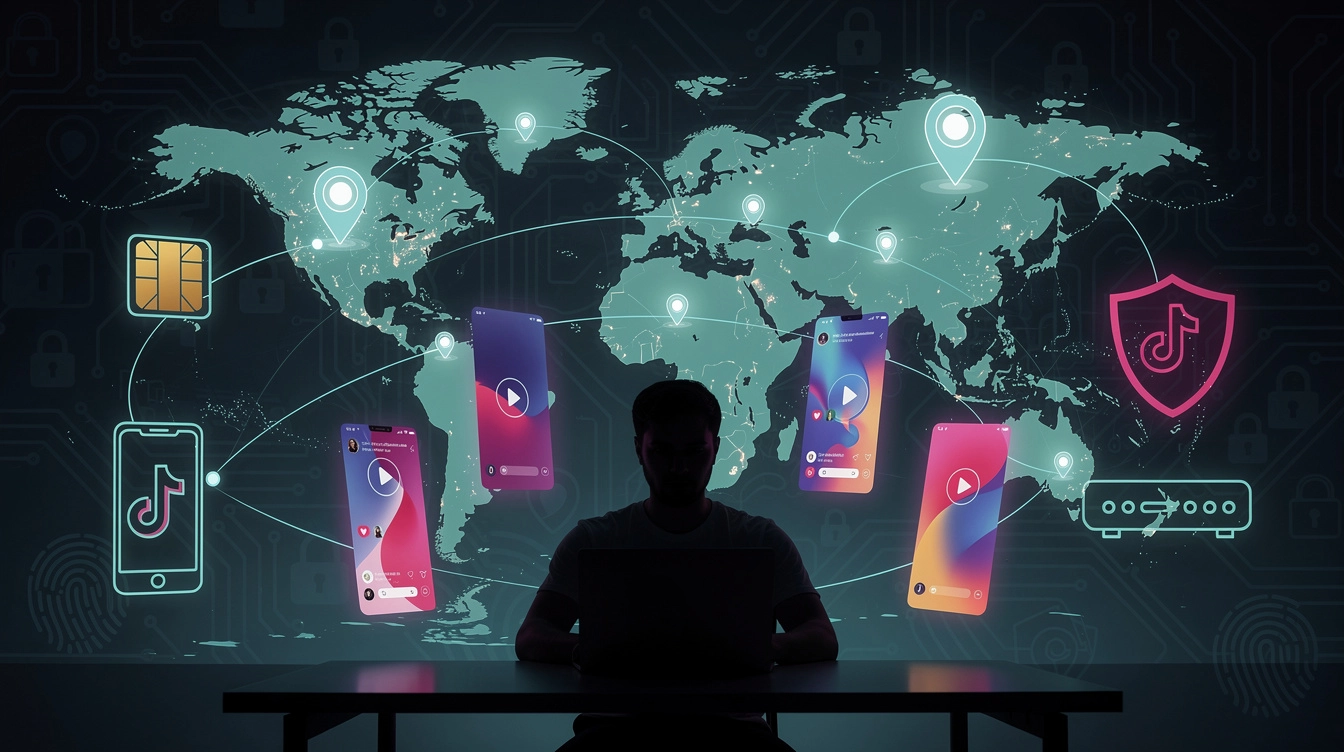
TikTok Algorithm Location Signals: SIM Card, IP Address, and What Actually Matters
Not all location signals carry equal weight in TikTok's algorithm. Here's a breakdown of how IP address, SIM card, and device settings are actually ranked.
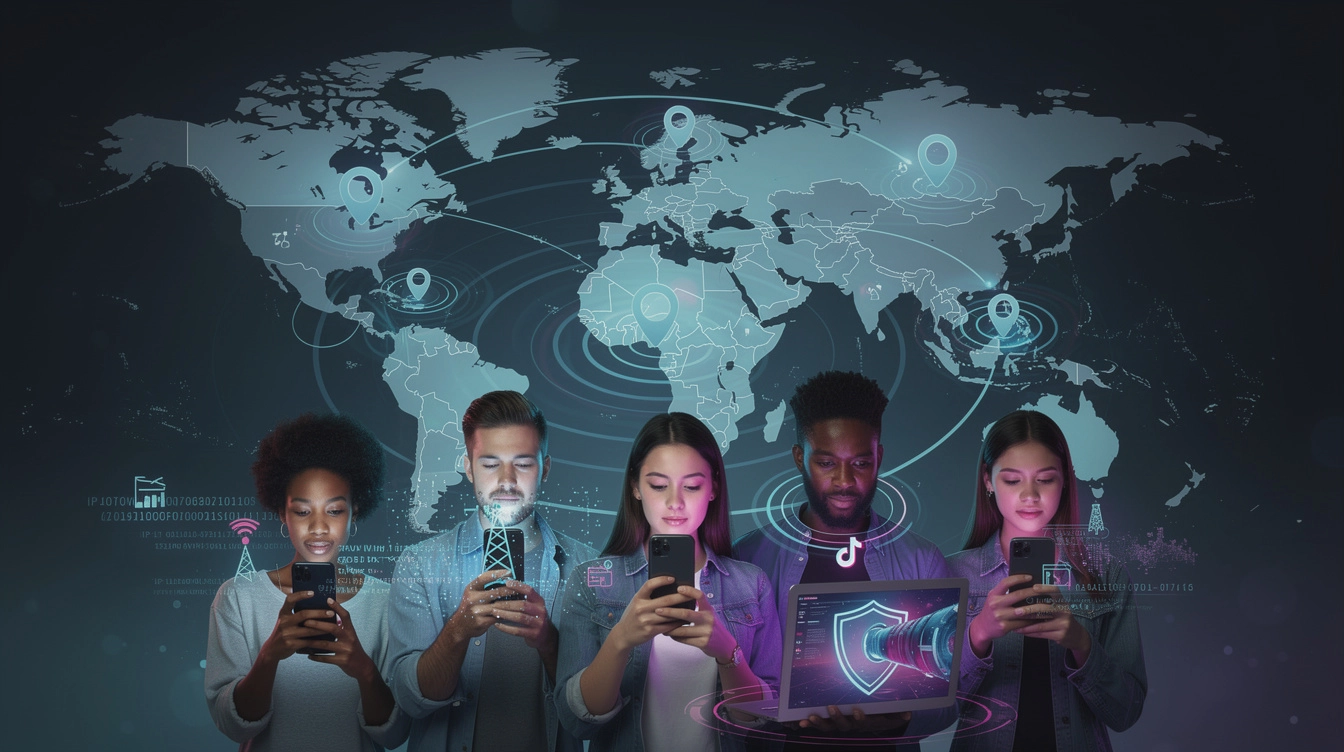
How Does TikTok Determine Your Location? Every Signal Explained
TikTok uses 5 different signals to figure out where you are. Your IP address is the most important one — and the one creators can actually control.
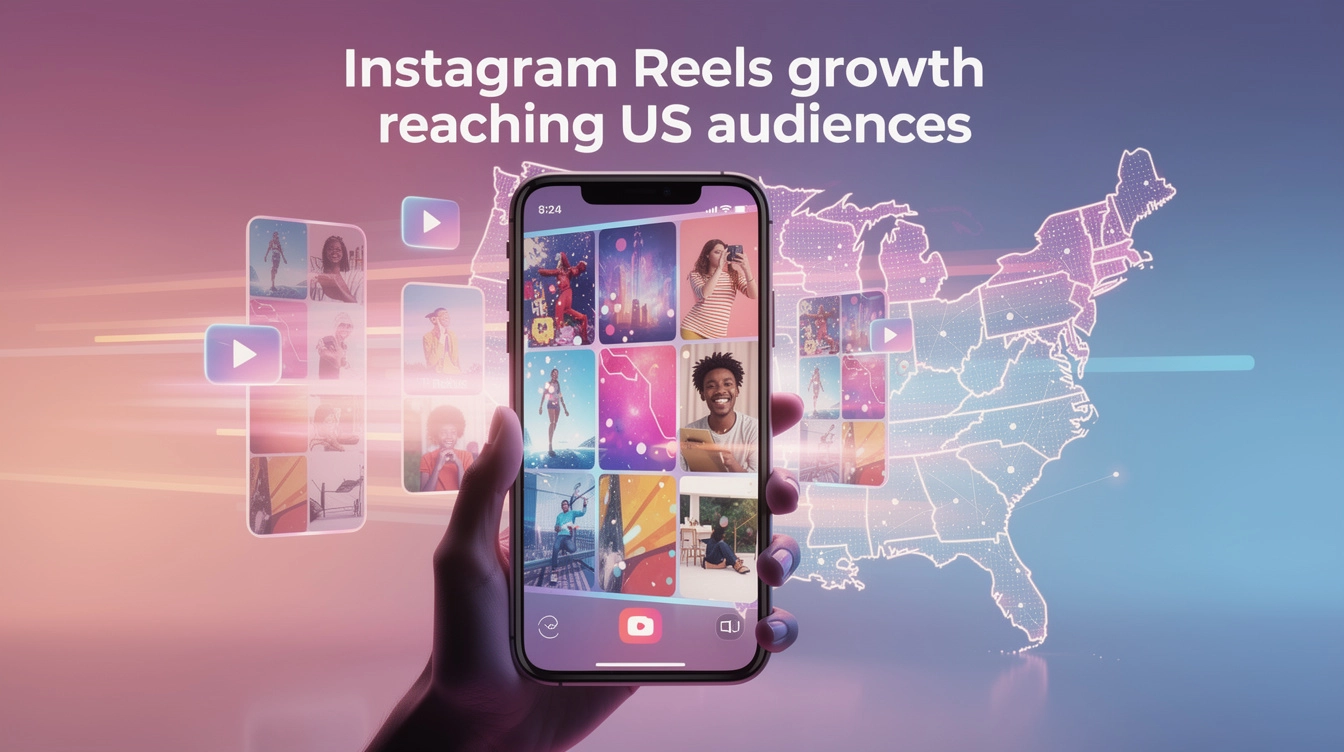
How to Target US Audiences on Instagram Reels from Outside the US
Instagram Reels uses the same IP-based geo-targeting as TikTok. Here's how creators outside the US get their Reels in front of American audiences.
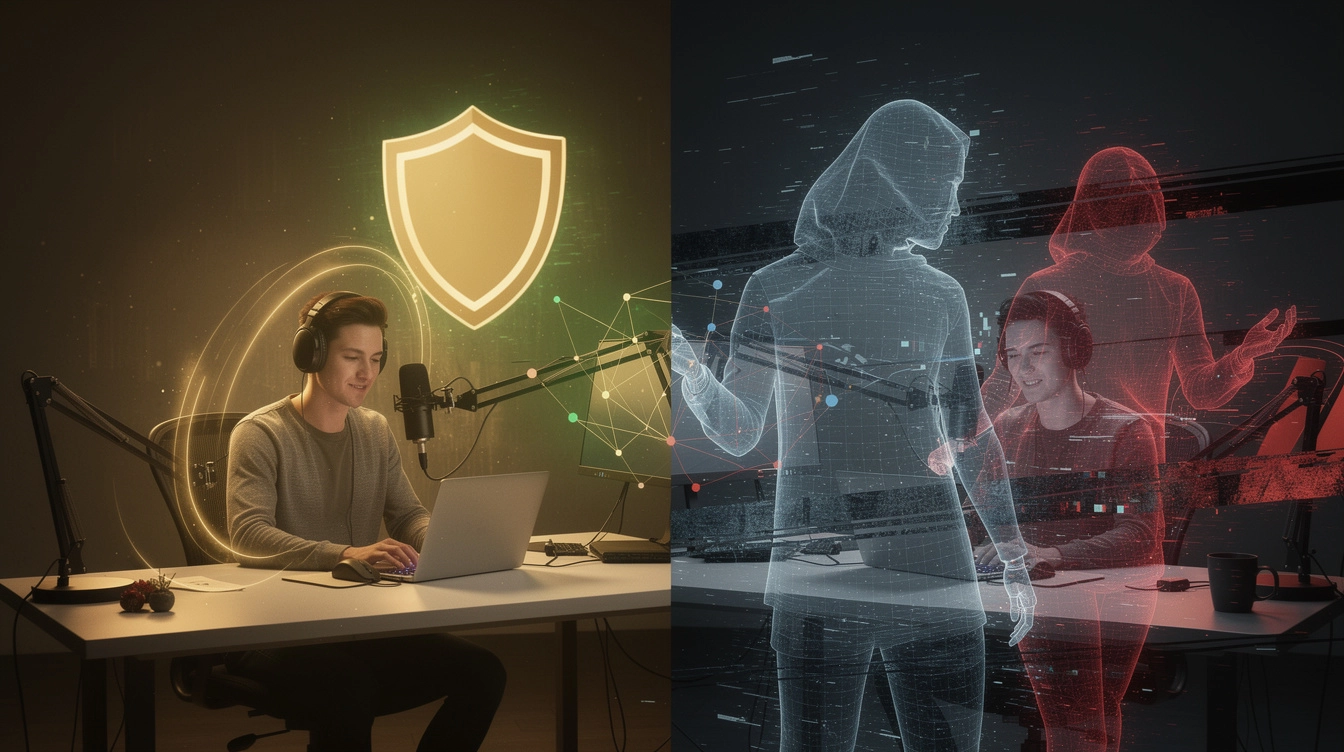
Dedicated IP vs Shared VPN: Which Keeps You Safe from Shadowbans
Using the wrong VPN can trigger shadowbans instead of preventing them. Here is why dedicated IP vs shared VPN for social media is a decision that directly affects your reach.